How to Filter Remote Jobs by Stack and Salary
Most job boards force developers to search by title and hope for the best. Filtering by tech stack and salary instead cuts through the noise, eliminates wasted time, and surfaces the roles that genuinely fit your profile and compensation expectations.
How to Filter Remote Jobs by Stack and Salary
Here's a pattern that plays out every day for thousands of developers: you type "Senior React Developer" into a job board, hit search, and get back 300 results. Half of them are hybrid roles disguised as remote. A third don't mention compensation. A handful are actually for project managers on React teams. Maybe 15 to 20 are genuinely worth reading.
You just spent 45 minutes to find 20 relevant listings. That's a terrible hit rate, and it's the standard experience on most platforms.
The fix isn't a better search query. It's a different kind of filter entirely. When you filter by tech stack and salary upfront, before you see a single listing, the entire search flips. Instead of scanning hundreds of results for the few that fit, every result already meets your baseline criteria. You spend your time evaluating good options instead of eliminating bad ones.
Why title-based search fails developers
Job titles in software engineering follow no standard. The same role gets called different things at different companies, and different roles sometimes share the same title.
Search for "Backend Engineer" and you'll get results for:
- Backend engineers writing Go microservices
- Backend engineers maintaining legacy PHP monoliths
- "Backend Engineers" who are actually full-stack and expected to own React frontends
- Platform engineers that the company categorized under "backend"
- DevOps roles rebranded as "Backend Infrastructure Engineer"
These are meaningfully different jobs. They require different skill sets, different day-to-day work, and often pay quite differently. But a title-based search treats them as identical.
The 2025 Stack Overflow Developer Survey confirmed this frustration. When asked about job search pain points, "irrelevant results from keyword search" ranked in the top three for developers. The gap between what developers search for and what job boards return hasn't narrowed much despite years of promises about better search.
What stack-based filtering actually looks like
Stack-based filtering works differently from keyword search. Instead of matching text strings against the full job listing, it matches against the structured technology requirements of the role.
When you filter for "TypeScript + Node.js + PostgreSQL," you get roles that actually require that combination. Not roles that mention TypeScript once in a "nice to have" section. Not roles where PostgreSQL appears only because the company's other team uses it.
Good stack filters also handle adjacent technologies intelligently. If you filter for React, you might also see roles that list Next.js, since the overlap is nearly complete. If you filter for PostgreSQL, roles requiring general SQL expertise might surface as close matches. Keyword search has no understanding of how technologies relate to each other. Stack filtering does.
Developers who switch from title search to stack filtering consistently describe the same thing: "I went from scrolling through pages of noise to getting a first page where almost everything was relevant."
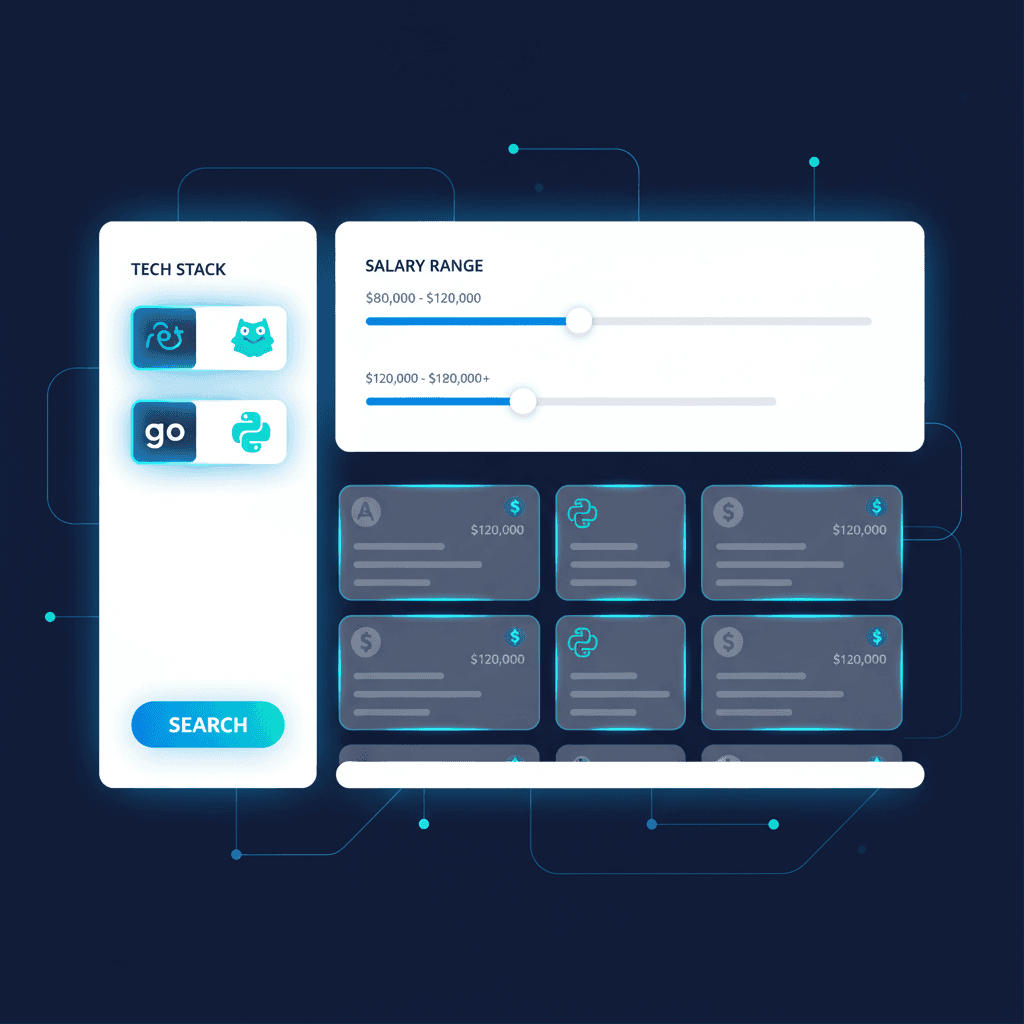
On Remote Genie AI, you can filter jobs by tech stack, salary, and seniority in a single search. Every result matches all your criteria, so the first page is actually worth reading.
The salary filter problem
Salary filtering should be simple. Set a minimum, exclude everything below it, done. In practice, a few things get in the way.
Many listings still hide compensation
Despite growing pay transparency legislation in the US (Colorado, California, New York, Washington) and the EU Pay Transparency Directive, a lot of remote job postings still don't include salary ranges. Hired's State of Software Engineers report found that roughly 40% of tech listings still omit compensation data entirely, even though transparency is increasing year over year.
This creates a real dilemma. If you filter strictly for listings that show salary, you might miss good roles. If you don't filter, you're back to guessing and wasting time on roles that turn out to pay below your range.
The best approach is to use platforms that either require salary data or supplement it with market estimates. When a platform aggregates from thousands of sources and tracks compensation data across similar roles, it can surface useful salary context even for listings that don't state a range explicitly.
Salary ranges are often too wide to be useful
A listing that says "$120,000 to $200,000" isn't really giving you salary information. That's an 80K spread. Where you land depends on your experience, location, negotiation leverage, and how badly the company needs to fill the role. Wide ranges are better than nothing, but they don't help you filter effectively.
This is where combining salary with seniority and stack filters helps. A Senior Go Engineer role paying $120K-200K with your specific stack requirements tells you a lot more than that salary range alone. Multiple filters together narrow the prediction to something useful.
Cost-of-living adjustments complicate comparisons
Many remote companies adjust compensation based on where you live. A role that pays $180,000 for someone in San Francisco might pay $130,000 for the same candidate in Lisbon. Both numbers appear in listings, but they mean very different things depending on your location.
When setting salary filters, use your local context. What matters isn't the absolute number. It's what that number means relative to your cost of living and your market's going rate for your skill set.
Building your filter stack
The most effective remote job search uses multiple filters together. Here's how to build a combination that gives you a manageable, relevant result set.
1. Start with your non-negotiable technologies
Pick the 2-4 technologies that define the kind of work you want to do daily. These aren't aspirational. They're the tools you're already proficient in and want to keep using.
If you're a frontend developer who works in TypeScript and React, those are your primary filters. If you also have opinions about state management (Redux vs. Zustand) or rendering frameworks (Next.js vs. Remix), add those as secondary preferences, but don't make them hard filters unless you're willing to narrow your pool significantly.
2. Set your salary floor
Your salary floor is the lowest compensation you'd accept, not your target. Setting it at your target means you'll miss roles that could negotiate up. Setting it at your absolute minimum keeps your search realistic while filtering out the clearly wrong matches.
If you're unsure about your market rate, check Levels.fyi for role-specific compensation data, Glassdoor for company-specific ranges, or Hired's annual report for broader market trends. Buffer's State of Remote Work survey also publishes useful data on remote compensation by role and region.
3. Add seniority to eliminate noise
If you're a senior engineer, you don't need to see junior roles. If you're mid-level, you probably don't want to browse Staff positions you're not qualified for yet. Seniority filtering removes an entire category of noise from your results.
This matters especially for remote roles because companies often post the same position at multiple seniority levels, creating duplicate-feeling results that clutter your search.
4. Consider geography constraints
Even though the role is remote, geography matters for tax purposes, working hours overlap, and legal employment structure. If you're in Europe and the company only hires US-based contractors, that's important to know before you invest time in an application.
Filter by your region if the platform supports it, or at minimum check the geographic requirements before applying.
5. Combine everything in one search
None of these filters work well in isolation. Filtering by salary alone still leaves you with irrelevant tech stacks. Filtering by stack alone still shows roles that pay half your range. It's the combination that changes the experience.
When you search on Remote Genie AI, you set stack, salary, seniority, and location in one pass. The result is a focused list where every listing meets all your criteria, not just one dimension.
What to do with the results
Good filtering gets you a manageable set of relevant listings. What you do next determines whether the search actually leads to interviews.
Read the full description, not just the requirements
After filtering, it's tempting to speed through the results since they all technically match. Don't. Read the role description, the team context, and the company's remote work policy. Two roles with identical tech requirements can offer very different day-to-day experiences.
Check the company's remote maturity
A company that's been fully remote for five years operates differently from one that went remote during COVID and is still figuring it out. Look for signals: do they have a public handbook? Do their engineering blog posts describe async workflows? Are their team members distributed across time zones or clustered in one city?
Save before you apply
Don't apply to everything that passes your filters in one sitting. Save the strong matches first, then come back with fresh eyes to decide which ones deserve a tailored application. This prevents the common mistake of sending a generic application to a great role because you were rushing through a batch.
A job tracker makes this workflow natural. Save roles you want to review, move the best ones to "Applying," and keep notes on why each role caught your attention.
Track your filter performance
After a few weeks, look at which filtered searches produce the most interviews. Are you getting callbacks from Go + Kubernetes roles but not from Python + Django roles? That signal tells you where your CV resonates best and might suggest adjusting your filters or your positioning.
When to relax your filters
Strict filtering is useful, but it becomes a limitation if your criteria are too narrow. If your filtered results consistently return fewer than 10 roles per week, consider loosening one dimension.
The order for relaxing:
- Secondary technologies: drop nice-to-have stack requirements first
- Salary floor: lower it slightly if you're in a market where your expectations might be above median
- Seniority: consider one level below or above your target
- Geography: expand your time zone range if possible
Don't relax your primary technology filter unless you're genuinely open to a stack change. Accepting a role in a technology you don't enjoy working with is a recipe for a short tenure and another job search six months later.
Conclusion
Filtering is the unglamorous part of job search that makes everything else more efficient. When your first page of results is almost entirely relevant, you spend less time searching and more time on the stuff that actually gets you hired: tailoring applications, researching companies, preparing for interviews.
The developers who run the fastest job searches tend to share one thing: they spend more time setting up their filters than scrolling through results. Get the filters right and the search takes care of itself.
Set up your filters on Remote Genie AI, pick your tech stack, set your salary floor, choose your seniority level, and see what a properly filtered remote job search looks like. Or upload your CV to add AI-powered ranking on top, so the best matches float to the top automatically.
Frequently Asked Questions
Ready to find your next remote job faster?
Remote Genie AI matches 2,000+ remote jobs to your CV daily. Direct links, no middlemen.
Get Full Access